Beyond the Boost: How to Connect Facebook Page Insights to an AI Copilot for Organic Growth
September 10, 2026 · 7 min read
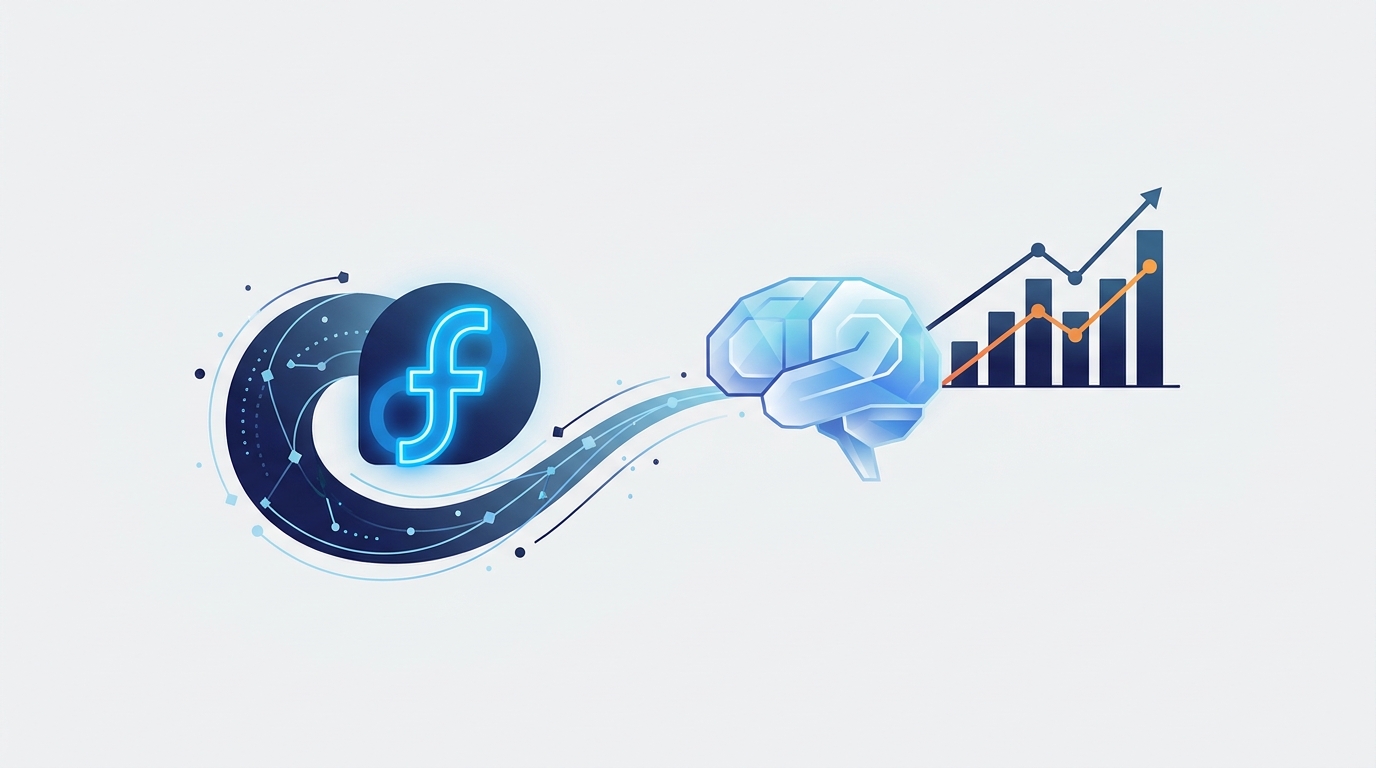
Connecting your Facebook Page Insights to an AI copilot involves using a unified marketing platform to automate data extraction and analysis. This process transforms raw metrics like reach, engagement, and follower growth into actionable strategic recommendations, helping your team create more effective content and optimize your organic social media strategy without manual reporting.
For years, marketing teams have spent countless hours buried in Meta Business Suite, manually exporting CSVs and wrestling with spreadsheets to understand what’s working on Facebook. You can see the numbers—the reach, the likes, the shares—but the story behind them remains fragmented. What content truly drives follower growth? Why did one video take off while another fell flat? Answering these questions requires more than data; it requires intelligence. This is where an AI copilot changes the game.
The Trouble with Native Facebook Insights
Meta Business Suite is a powerful tool, but for busy marketing teams, it often creates more work than it saves. Its analytics capabilities, while comprehensive, come with several inherent limitations that hinder strategic decision-making:
- Manual and Time-Consuming: Generating custom reports is a manual process. Pulling data for a specific date range, comparing it to a previous period, and visualizing it for a stakeholder presentation takes valuable time away from creative and strategic work.
- Data in a Silo: Your Facebook performance doesn't exist in a vacuum. It's influenced by your Google Ads, your LinkedIn content, and your email campaigns. Native insights keep your Facebook data completely isolated, making it impossible to see the full customer journey or understand cross-channel impact.
- Descriptive, Not Prescriptive: The platform is excellent at telling you what happened. You can see that a post received 10,000 impressions. But it won't tell you why it performed well or provide clear, data-backed instructions on what to do next to replicate that success.
- Lacks a Unified View: If you manage multiple brands or pages, toggling between different Business Suite accounts to aggregate performance data is inefficient and prone to error. A holistic view is critical for resource allocation and strategy.
What an AI Copilot Brings to Your Facebook Data
An AI marketing copilot isn’t just another dashboard. It’s an active partner in your marketing operations. When you connect your Facebook Page Insights, the copilot acts as a tireless analyst, strategist, and assistant, augmenting your team’s capabilities.
Here’s what it does:
- Ingests and Unifies Data: It automatically pulls in your Facebook Page data via secure API connections and places it alongside metrics from all your other marketing channels.
- Analyzes for Trends: The AI goes beyond surface-level numbers to identify meaningful patterns. It can correlate post format with engagement rate, posting time with reach, or video length with audience retention.
- Provides Strategic Recommendations: This is the key differentiator. Instead of just showing you a chart, a copilot offers plain-language advice. For example: "Your carousel posts about customer stories saw a 45% higher engagement rate than single-image posts. Consider creating a three-part series on your top clients this month."
- Automates Reporting: It builds and distributes custom reports to stakeholders automatically. A weekly performance summary with AI-generated highlights can be sent to your CMO’s inbox every Monday morning without you lifting a finger.
How to Connect Facebook Page Insights to a Copilot: A Practical Walkthrough
Connecting your data is a straightforward process that typically takes just a few minutes. The result is a permanent, automated flow of insights that fuels your strategy.
Step 1: Choose a Unified Marketing Platform
Your first step is to select a platform with a deep, official Meta integration. You need a tool that can pull rich organic data, not just scheduling or ad metrics. A comprehensive marketing operations platform like MarketPilot provides the necessary foundation, connecting social media, ads, and analytics in one place.
Step 2: Authenticate and Authorize Permissions
Once you've chosen your platform, you'll navigate to its integrations or connections settings. The process generally looks like this:
- Find and select "Facebook" or "Meta."
- You will be redirected to a secure Facebook login prompt (OAuth).
- Log in with your Facebook credentials that have admin access to the Page and Business Manager.
- Facebook will show you a list of permissions the platform is requesting (e.g., "Access your Pages and Page Insights").
- Review and approve these permissions. This secure protocol ensures the platform can access data without ever seeing or storing your password.
Step 3: Configure Your Analytics Dashboards
With the connection active, data will begin to flow into your copilot platform. Now, you can build dashboards tailored to your team's KPIs. Instead of being limited to Facebook's default views, you can create widgets that track:
- Organic Reach vs. Paid Reach: Visualize the relationship between your organic efforts and ad spend.
- Engagement Rate by Content Type: Automatically compare the performance of videos, carousels, single images, and text posts.
- Follower Growth Over Time: Track your growth trajectory and identify posts that correlate with follower spikes.
- Video Analytics: Dig into metrics like 3-second views, average watch time, and audience retention curves.
- Audience Demographics: Understand the age, gender, and location of your followers to better tailor your content.
Step 4: Activate the AI for Analysis and Recommendations
This is where the magic happens. A true copilot allows you to query your data using natural language. You can ask questions like:
- "Summarize my Facebook performance for last quarter."
- "What were my top 5 posts in terms of engagement, and what did they have in common?"
- "Based on my audience demographics, suggest three new content pillars."
The AI will analyze the data it has ingested from your Page Insights and provide a clear, concise answer, turning hours of analysis into seconds of inquiry.
From Data to Decisions: Practical Use Cases
Connecting your Facebook Insights to an AI copilot unlocks several powerful workflows that drive real results.
- Smarter Content Strategy: Use the AI's analysis of top-performing themes, formats, and post times to build a data-driven content calendar. If the AI identifies that short-form videos posted on weekday mornings consistently outperform other content, you can reallocate creative resources accordingly.
- Efficient Reporting Cycles: Automate the creation of weekly, monthly, and quarterly reports. The AI can generate executive summaries that highlight key wins, trends, and areas for improvement, freeing your team to focus on execution.
- Audience Growth Initiatives: By analyzing follower growth trends and demographic data, the copilot can help you refine your content to attract your ideal audience. These organic insights can also inform targeting for paid campaigns, creating a powerful feedback loop.
- Integrated Campaign Analysis: See how a spike in website traffic from a Google Ad campaign corresponds with an increase in Facebook Page engagement. This cross-channel view, impossible with native tools, is essential for understanding the full impact of your marketing efforts.
Native Insights vs. AI Copilot: A Comparison
| Feature | Native Facebook Insights | AI Copilot Platform (e.g., MarketPilot) |
|---|---|---|
| Data Access | Siloed to Facebook and Instagram. Manual exports. | Unified view across all connected channels (Meta, Google, LinkedIn, etc). |
| Analysis Capability | Provides raw data and basic visualizations. | AI-powered trend analysis, pattern recognition, and correlation mapping. |
| Strategic Recommendations | None. Data is presented without interpretation. | Delivers clear, actionable recommendations in plain language. |
| Cross-Channel View | Not available. | Central feature, allowing for holistic campaign analysis. |
| Reporting Automation | Limited. Requires manual setup and distribution. | Fully automated, customizable reports with AI-generated summaries. |
| Content Generation | Not available. | Can generate content ideas and drafts based on performance insights. |
Choosing the Right Copilot for Your Team
Not all platforms are created equal. When evaluating an AI marketing copilot, look for these key features:
- Deep, Official API Integrations: Ensure the platform is an official Meta partner and can pull the rich, granular data you need.
- True Cross-Channel Analytics: The value multiplies when you can see your Facebook data in context with other platforms. Explore the full range of supported platforms.
- Actionable AI, Not Just Visualization: The AI should do more than make pretty charts. It must provide clear, strategic advice that helps you make better decisions.
- An Integrated Workflow: The best solutions allow you to move seamlessly from insight to action. Can you analyze performance, generate a content idea, write the copy, schedule the post, and manage approvals all in one place? A platform with a complete set of features eliminates friction.
- Transparent and Scalable Pricing: Your tools should grow with you. Look for clear pricing tiers that align with your team's size and needs.
By connecting your Facebook Page Insights to an AI copilot, you elevate your team from data reporters to strategic drivers of growth. You trade hours of manual spreadsheet work for automated, intelligent analysis, allowing you to focus on what humans do best: creativity, strategy, and building a community.
Frequently asked questions
Related posts
More on the topics covered in this article.